Konsep Otomatis
The Biggest Marketplace For Digital Goods
We love to craft the extra ordinary WordPress theme &am…
Read More
To change the background click on the label bar and in the layer window select the style tab.
Choose a source from the background top tab then upload an image or pick a background color.


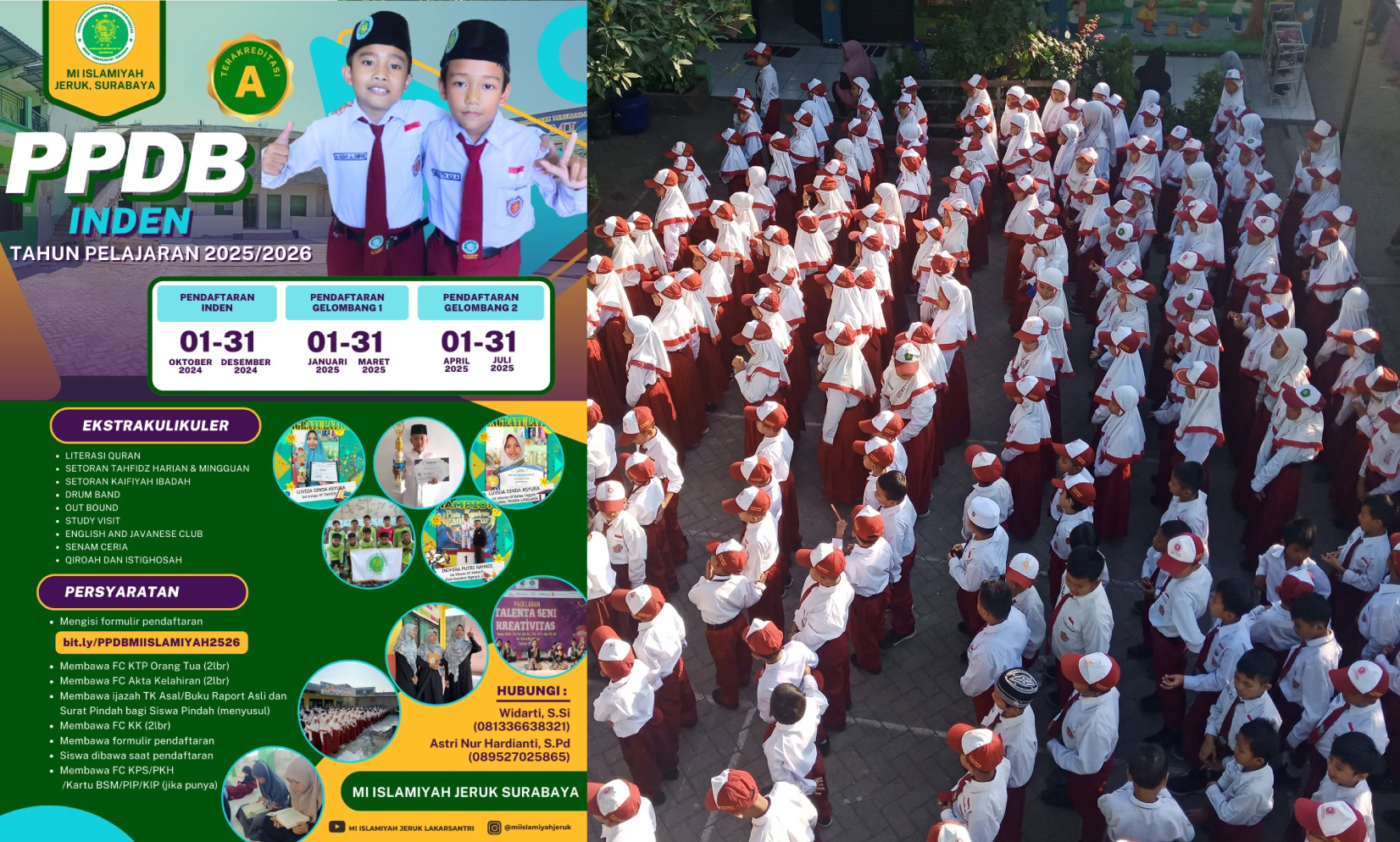
Pendaftaran Murid Baru secara mudah, cepat, dan terintegrasi
Pembelajaran Daring Kapan Saja dan Di Mana Saja dengan materi dan aktivitas pembelajaran terintegrasi
Pengelolaan Rapor Digital Madrasah secara praktis, akurat, dan terintegrasi
Pengelolaan Penjaminan Mutu Internal untuk meningkatkan kualitas dan layanan madrasah
Manajemen Kehadiran Murid secara digital, terpantau, dan mudah dikelola
Pengelolaan Pembayaran SPP dan administrasi keuangan secara mudah dan transparan
Sistem Informasi Madrasah untuk mengelola data dan layanan secara terintegrasi
Perpustakaan Digital dengan akses koleksi bacaan yang mudah, cepat, dan fleksibel

Lorem Ipsum is simply dummy text of the printing and
Lorem Ipsum is simply dummy text of the printing and
Lorem Ipsum is simply dummy text of the printing and
Short Description
Short Description
Short Description
Madrasah hadir sebagai lembaga pendidikan yang memadukan ilmu pengetahuan, pembentukan karakter, dan nilai-nilai keislaman. Kami berkomitmen memberikan pendidikan yang berkualitas untuk membantu peserta didik tumbuh menjadi generasi yang cerdas, mandiri, berprestasi, serta memiliki akhlak mulia.

Designer

Architect

Manager

Photograher